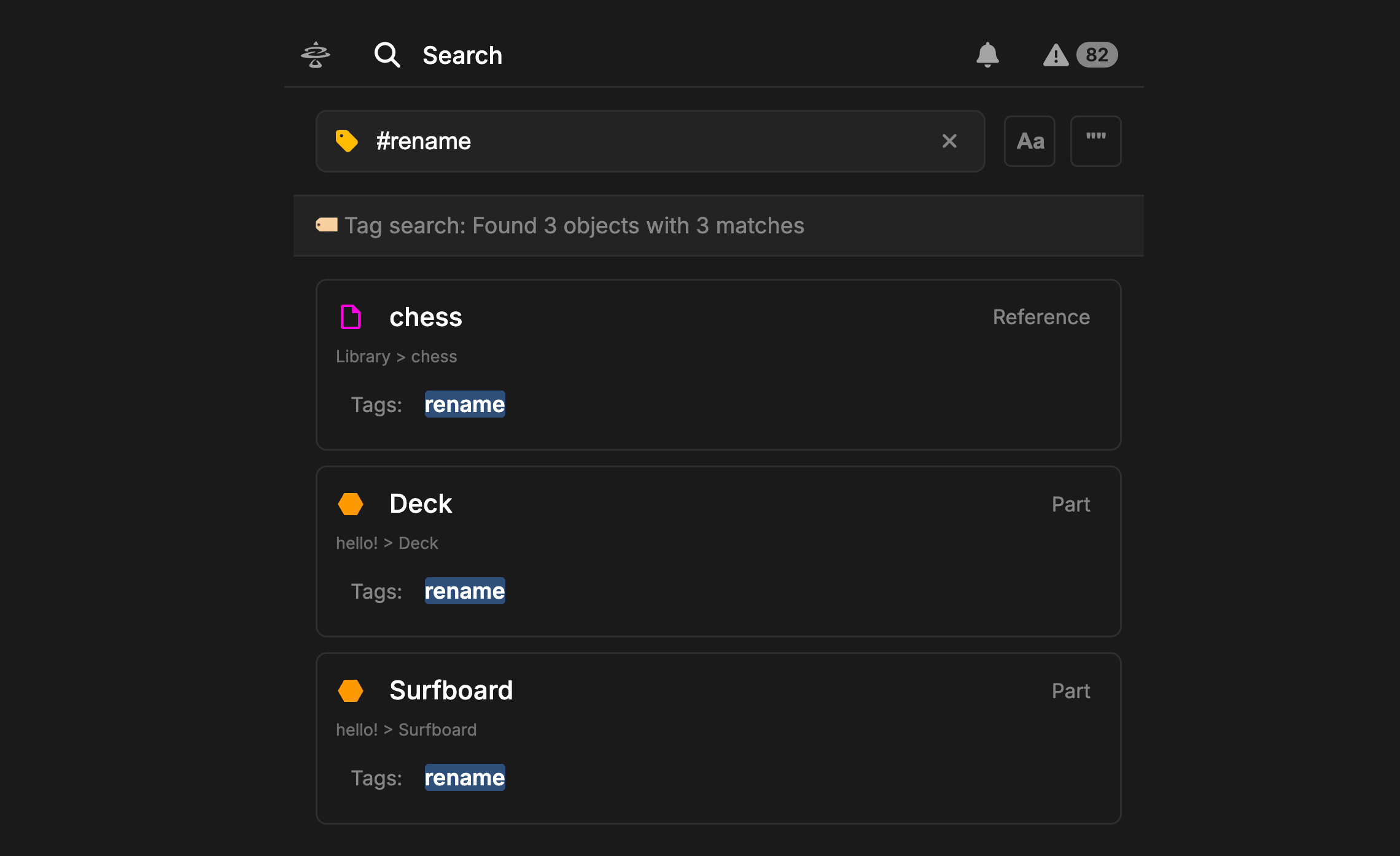
The Right Panel Search Panel is a more powerful version of the Search Bar in the Header. Header Search only allows searching by Object Name or Short Name. Right Panel Search takes this a step further, allowing search by Name, Short Name, data fields, documentation, relationships, uses, tags, and more.Documentation Index
Fetch the complete documentation index at: https://docs.davinci-app.com/llms.txt
Use this file to discover all available pages before exploring further.
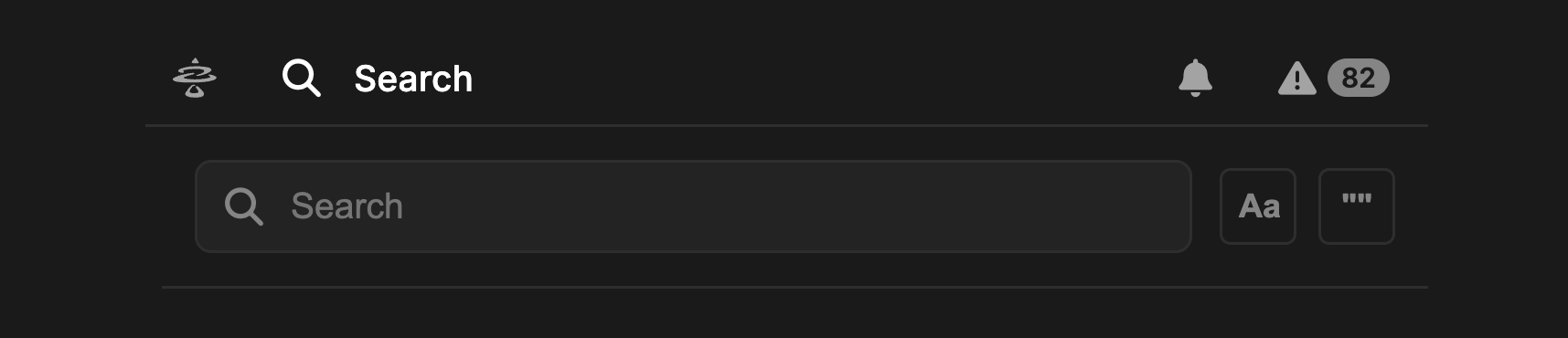
Searching
Search Panel has two optional settings for refining your search:Case Sensitive: When enabled, Case Sensitive will only return results that match the casing of the input. For example, a search for “Mass” will not return results with the title “mass”.Exact Match: When enabled, only results that exactly match the search terms will be returned (not case-sensitive unless enabled above). For exmaple, a search for “Mass” will not returnn results with the title “Total Mass”

The unique Model Objects count will often be lower than Search term matches, as the terms can appear in multiple places in the same Object.
Tag Search
Right Panel Search can also be used to show all Model Objects that have a certain Tag. Use# followed by the Tag name to search for all Objects with that Tag applied. Currently only one Tag can be searched for at a time.