

The Right Panel is where most automated model interaction will occur. The Right Panel consists of five main areas:Documentation Index
Fetch the complete documentation index at: https://docs.davinci-app.com/llms.txt
Use this file to discover all available pages before exploring further.
Dacinci AgentVersion ControlSearch PanelComment PanelError Panel
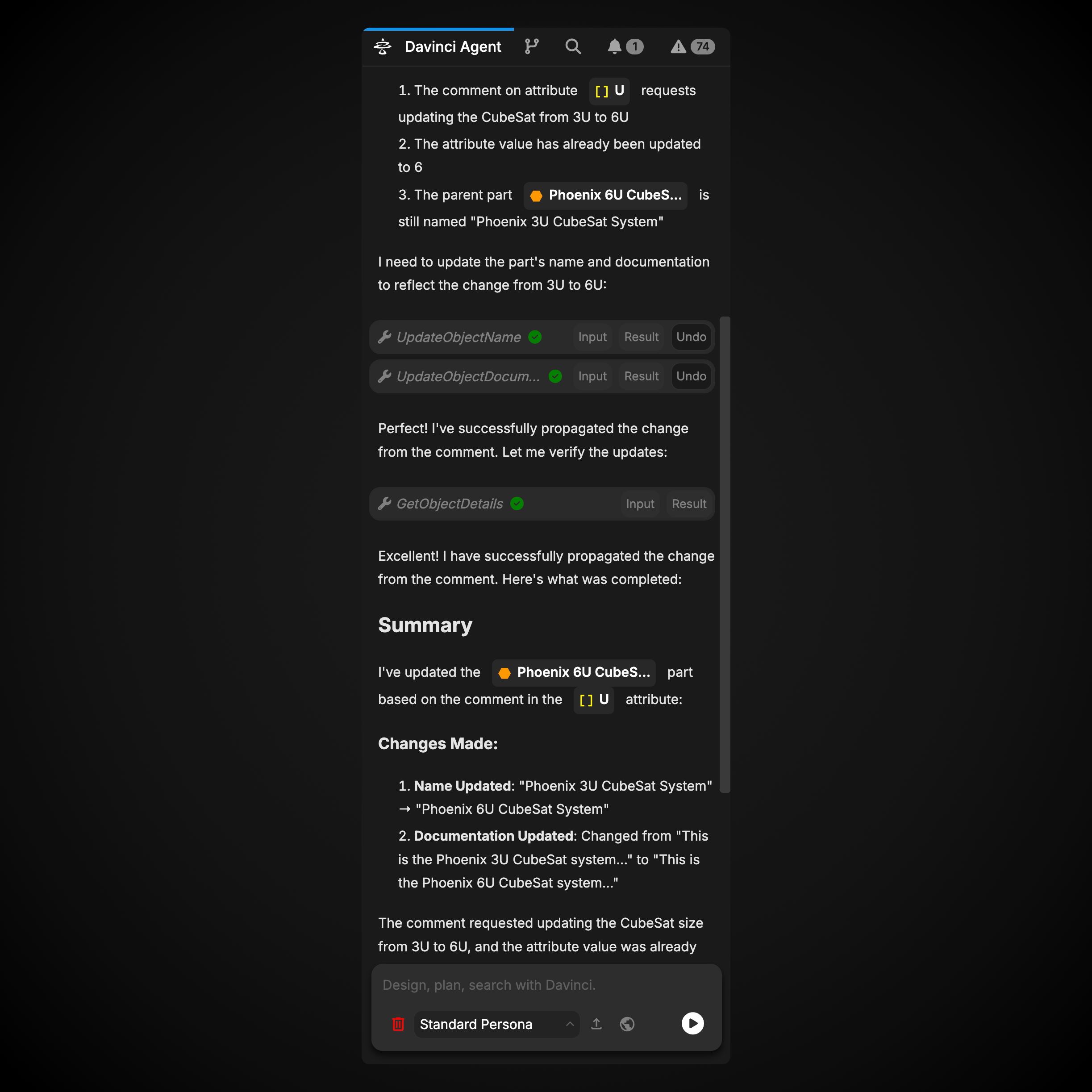
Davinci Agent
The Davinci Agent tab is where instructions to the Agentic Design system are passed. Here, text, images, and model objects can be passed to the Agent to begin work on the model.Davinci Agent
Click here to read more about the Davinci Agent
Version Control
The Version Control Panel provides comprehensive project-wide version control management with support for branching, merging, committing changes, and viewing commit history. This panel allows teams to collaborate effectively on the same model with full branch management capabilities.Version Control
Click here to read more about Version Control
Search Panel
The Search Panel is a more powerful way to search for data within your model. The Search Panel allows for not only search based on object name, similar to the Search bar in the Header, but also allows searches data fields and relationships for usages of model objects, string literals, and more.Search Panel
Click here to read more about the Search Panel
Comment Panel
The Comment Panel allows users to see all comments within the model with various filters applied. Panel comments made by you, comments mentioning you, and all active comments in the model conveniently in this view.Comment Panel
Click here to read more about the Comment Panel
Error Panel
Error Panel is incredibly useful for fixing data issues within a model. It allows users to view all syntax or logical errors within the model, identifying both the root causes of errors, as well as any additional errors caused by that root error. The Error Panel also displays all model objects marked as TBD, allowing you to see where additional work may be needed to complete your model.Error Panel
Click here to read more about the Error Panel