

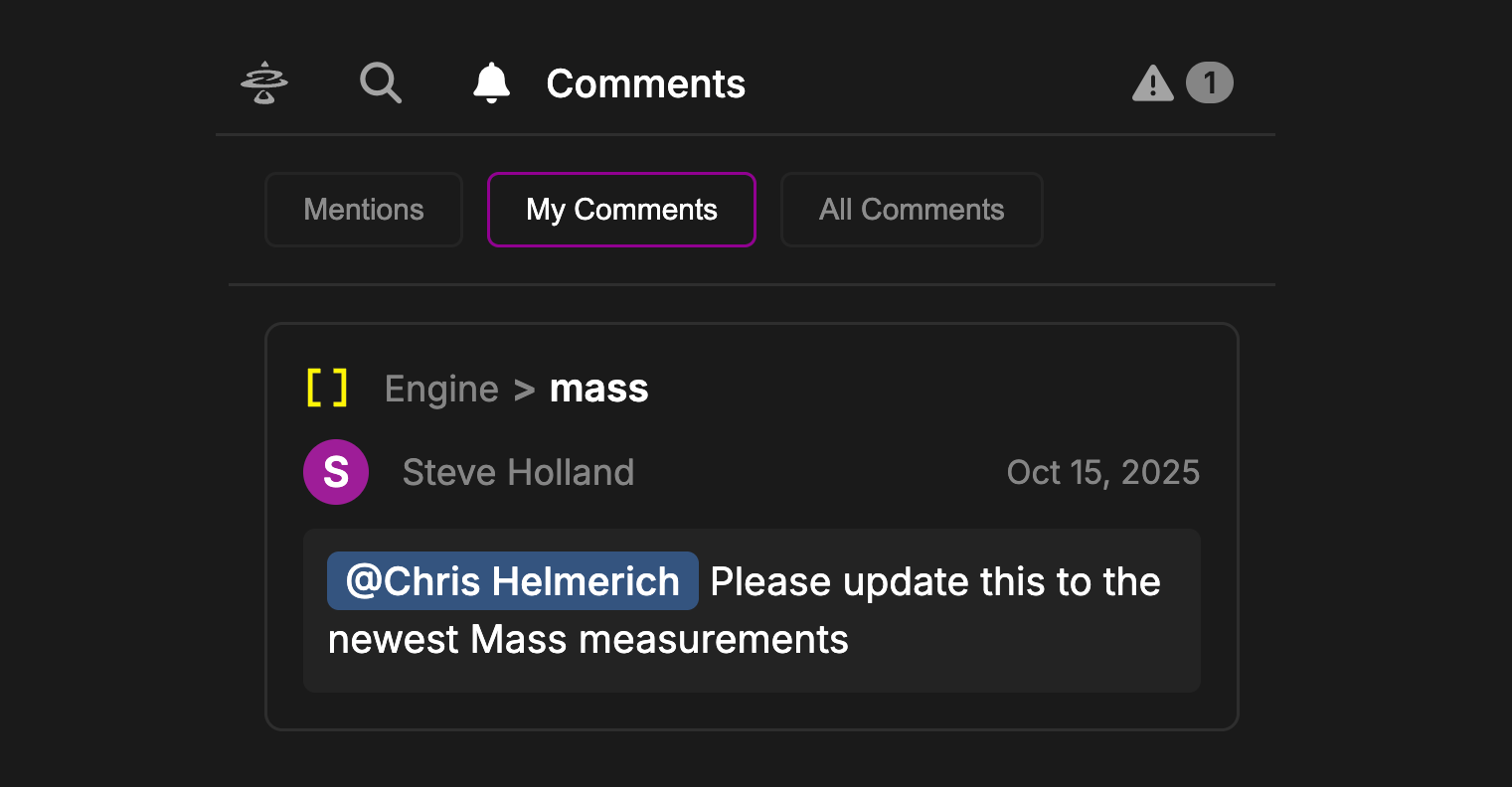
The Comment Panel allows users to easily see and manage comments across all Model Objects. Each Comment will show the Object the Comment was left on, the Author of the Comment, the Date the Comment was made, and the Comment itself. Click on a Comment to open the corresponding Model Object in the Workspace. A notification badge will appear next to the Bell Icon that counts the number ofDocumentation Index
Fetch the complete documentation index at: https://docs.davinci-app.com/llms.txt
Use this file to discover all available pages before exploring further.
Mentions the current user has. These notifications can be cleared by either resolving or deleting the Comment that contains the mention.
Comment Panel Settings
Comment Panel has three basic settings:Mentions: This tab shows all Comments that reference the current User. Useful for finding tasks given by others or actions needed from the User within the Model.
My Comments: This tab allows users to manage and view Comments they have left on Model Objects. Easily remember where you were working or check up on the status of an Object here.
All Comments: This tab simply shows all Comments in the Model. This can be useful for identifying where work needs to be done, what reviews are happening, and more.
All tabs in the Comments Panel will only show “Open” Comments. Any Comments marked as “Resolved” will not appear in these lists