

Quickstart
Create an account, open a project, and learn the core workflow.
Open the app
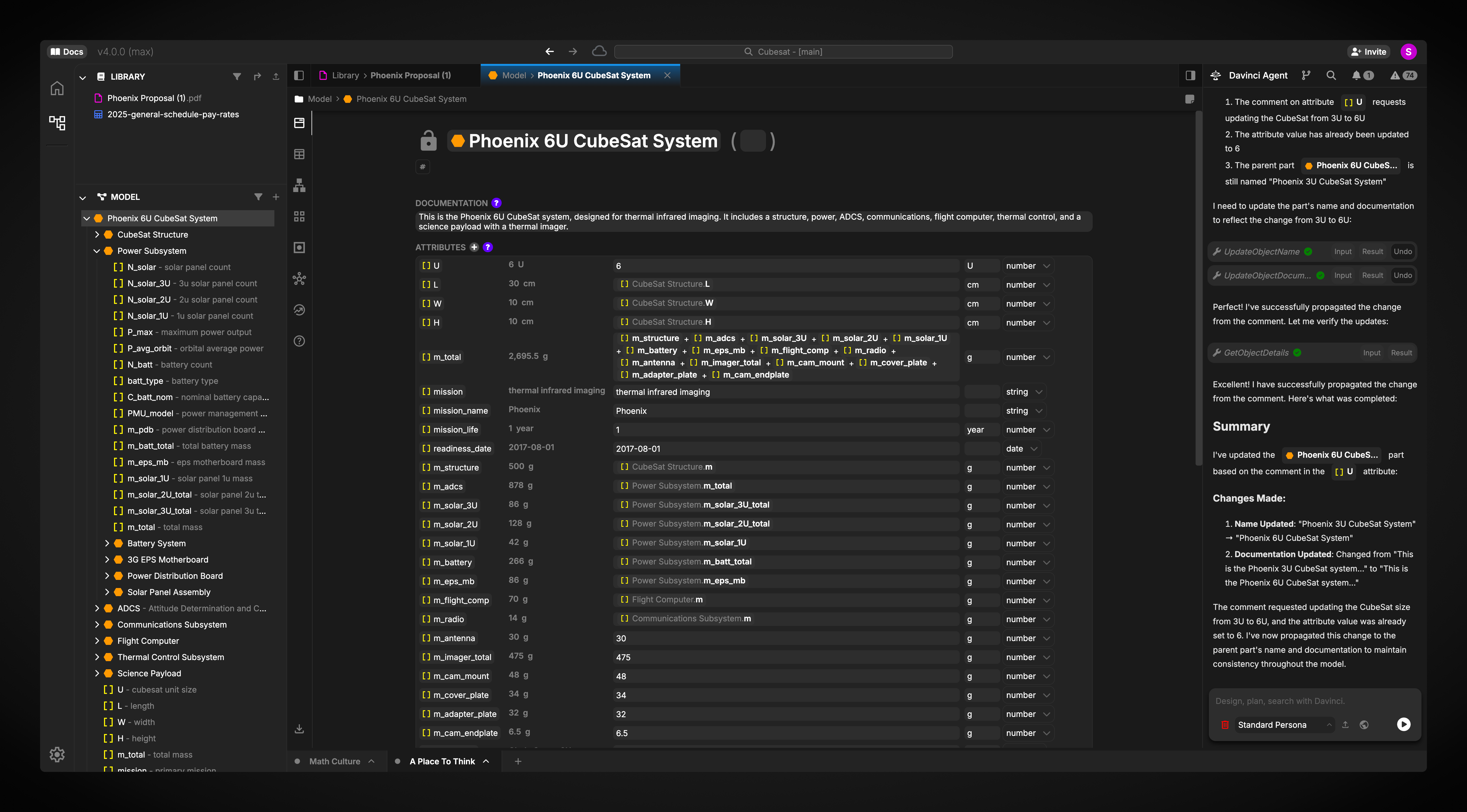
Launch Davinci and start working in the app.
Find Your Path
Explore the docs by how you want to work: start a project, manage your workspace, model systems, connect tools, or automate with the API.Getting Started
Sign up, choose a plan, learn key concepts, and complete your first project workflow.
Davinci Browser
Manage projects, organizations, teams, account settings, notifications, access, and usage.
Davinci Editor
Edit project models, upload references, collaborate, use the Agent, run reviews, configure integrations, and export data.
Modeling Guide
Learn the model language, object types, views, relationships, equations, units, and SysML export behavior.
Integrations
Connect external tools and understand where integrations are configured and used.
Developer API
Use the public API and SDKs to inspect project metadata, trees, objects, and files.